Offline Activation - Instructions
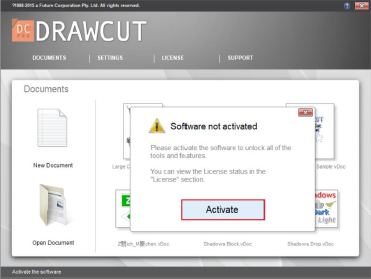
1. Please click (Activate) to start the offline activation process
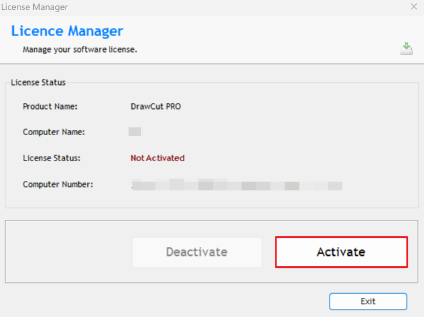
2. Please click (Activate) in the licence manager
3. Scan the QR code to obtain offline Activation Code
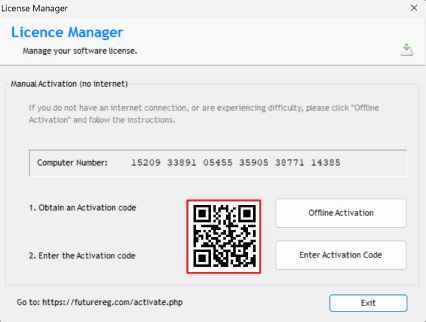
4. Please click on (Enter Activation Code)
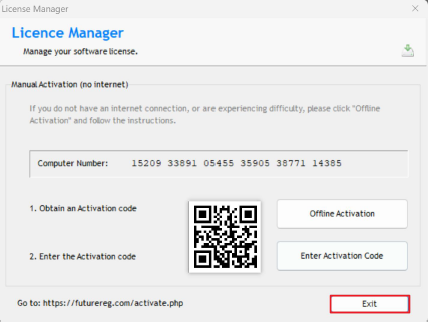
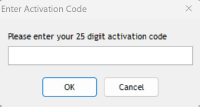
5. Please enter the activation code you obtained to finalize the activation process